Smart targeting
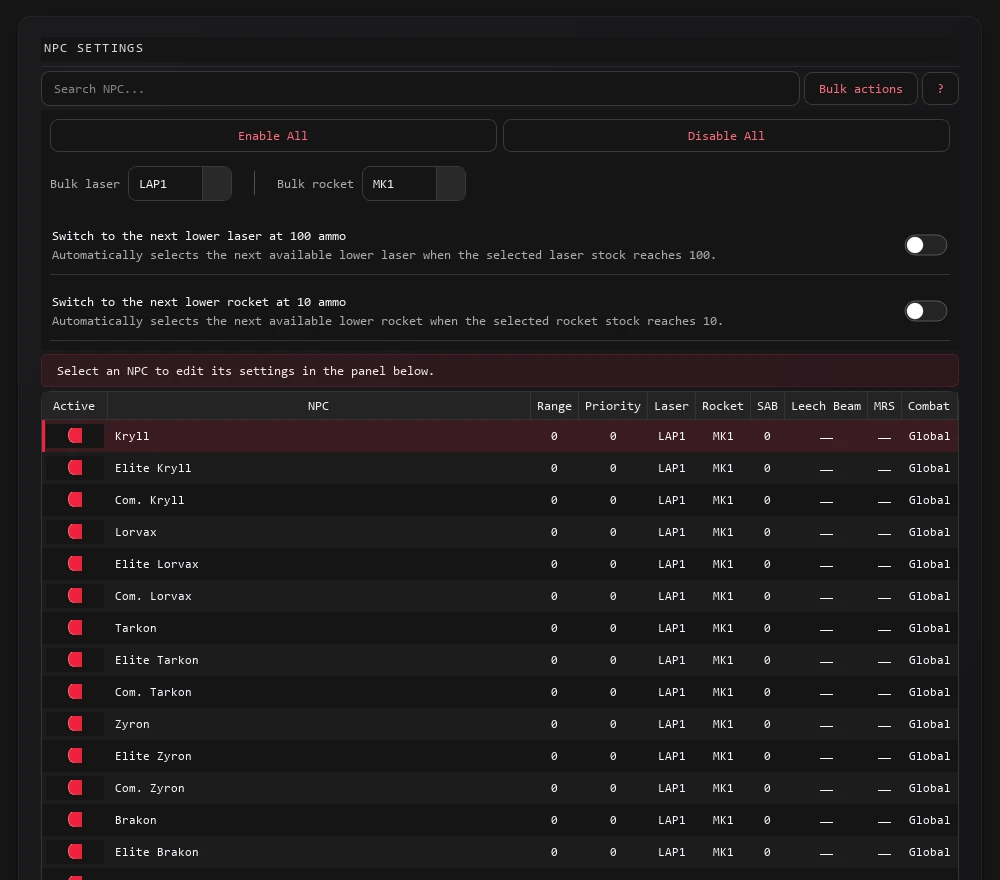
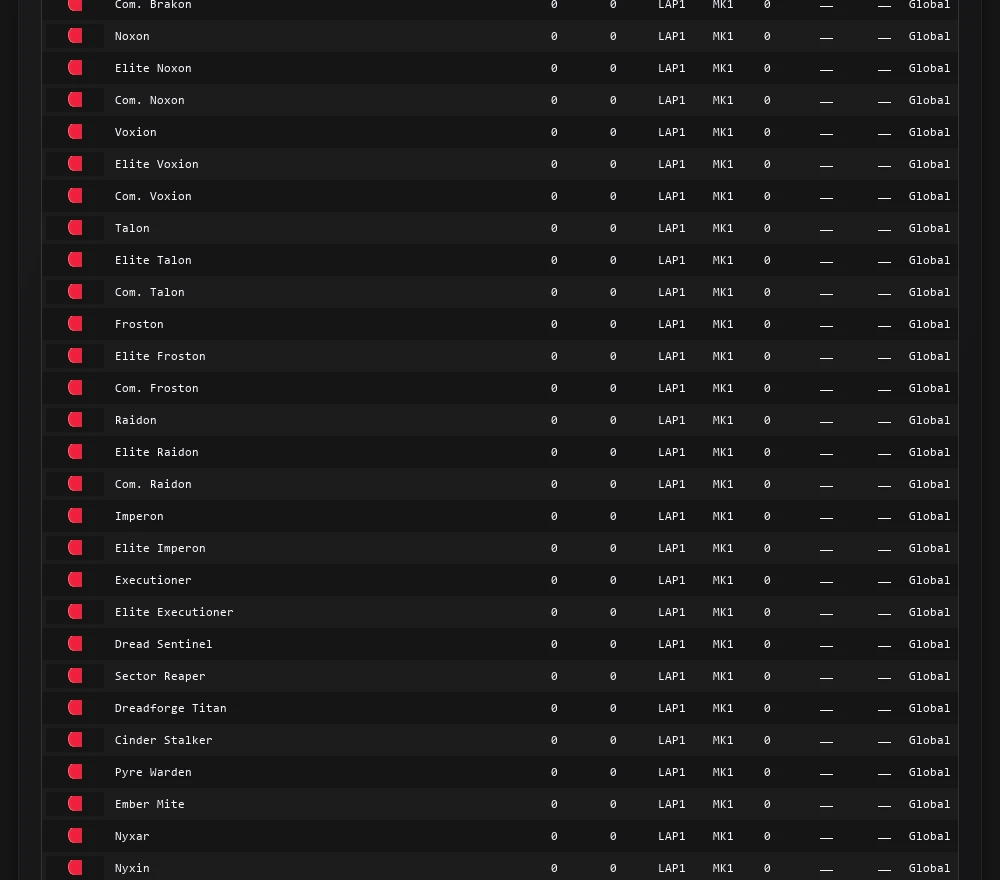
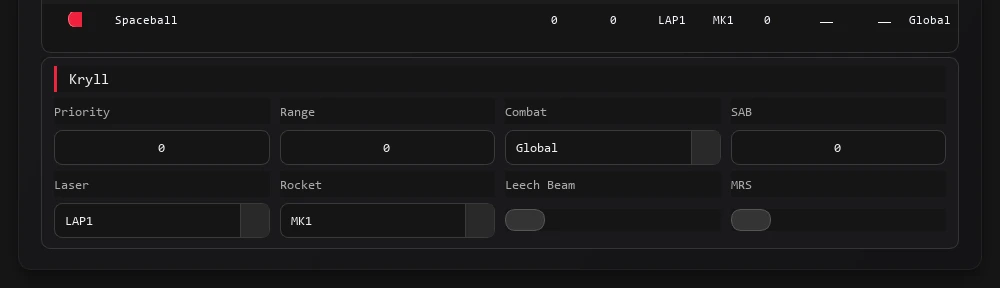
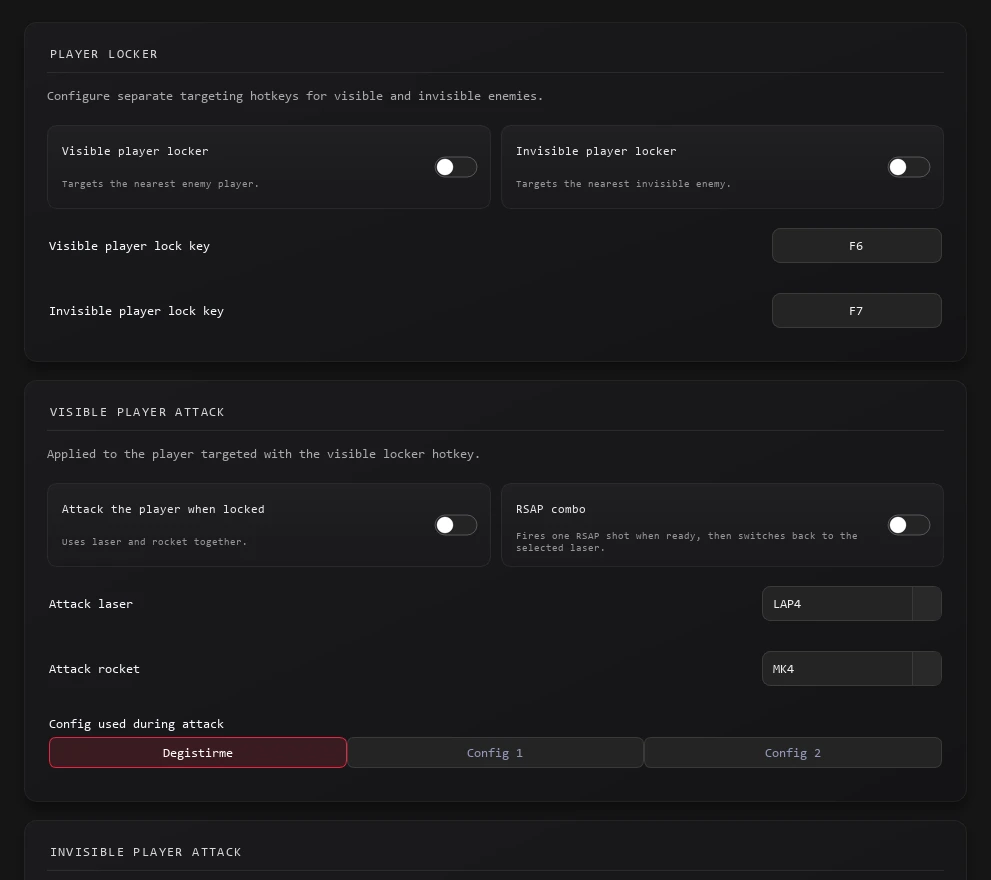
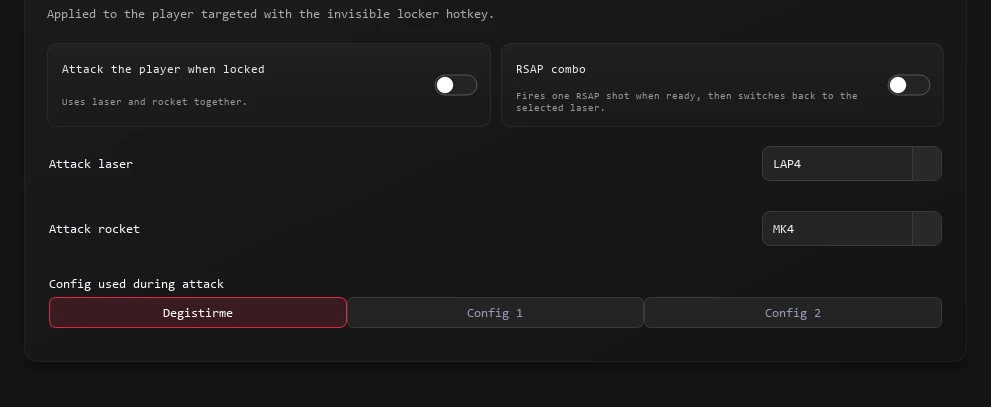
NPC filters, single/multi targeting, range settings, combat distance and target lock states are managed from one place.
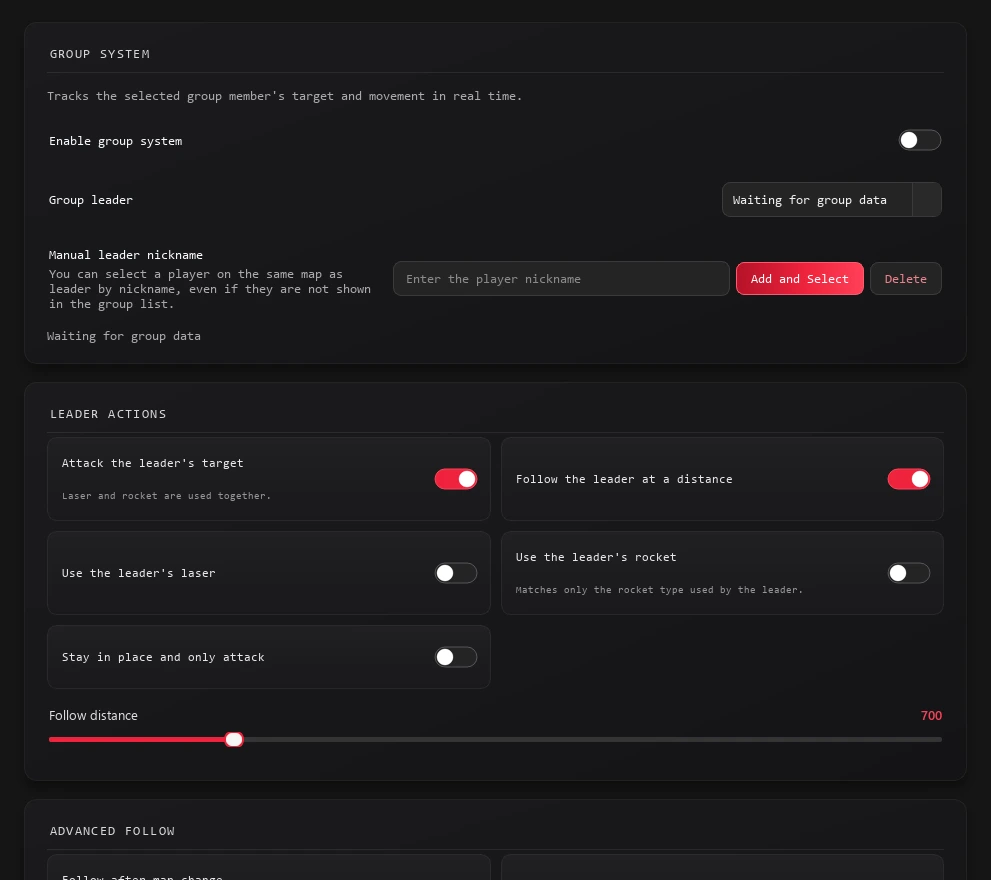
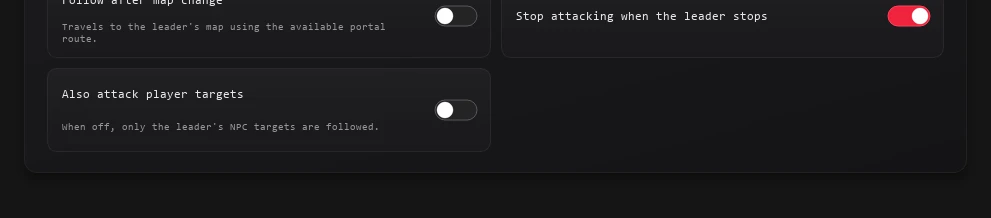
With RedBOT you get radar, Galaxy Gate, NPC farming, loot collection, automatic ammo, automatic keys, invisible player detection, advanced admin control, automatic enemy escape and many more features. It works with the desktop launcher; your settings, sessions and security status are managed centrally.
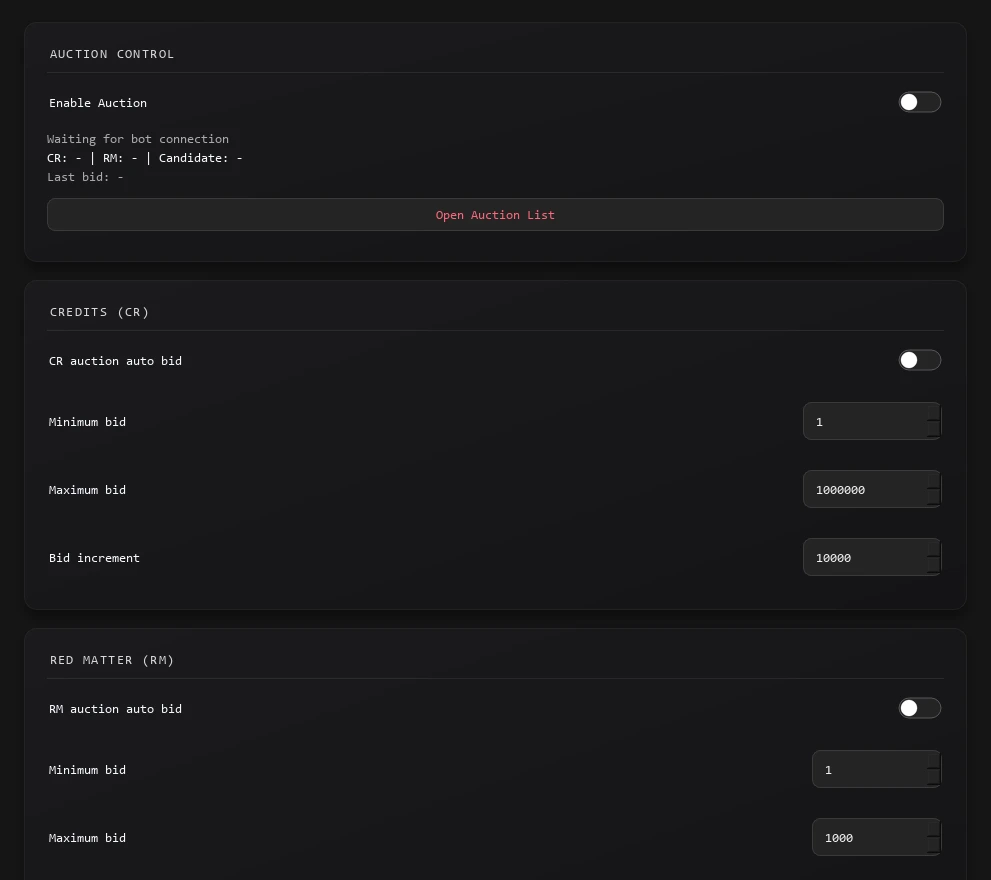
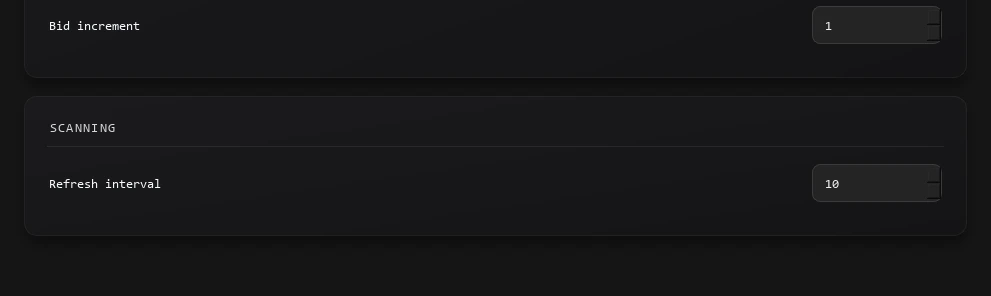
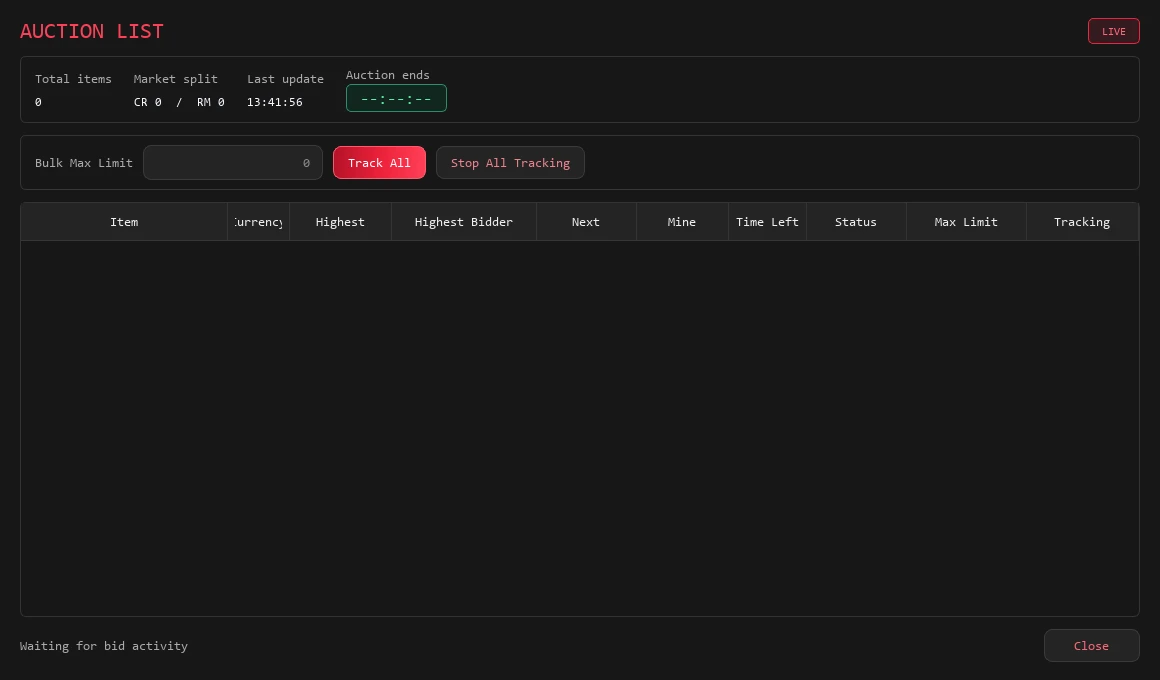
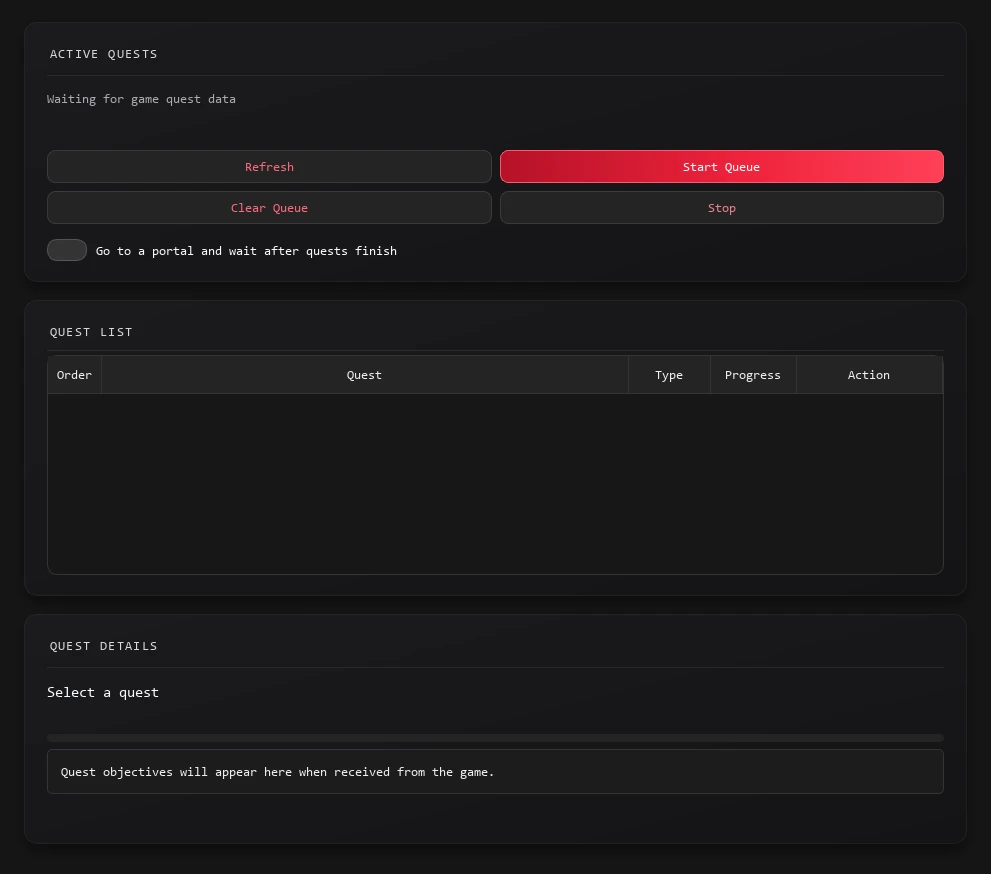
See the RedBot interface and automation flow in action.
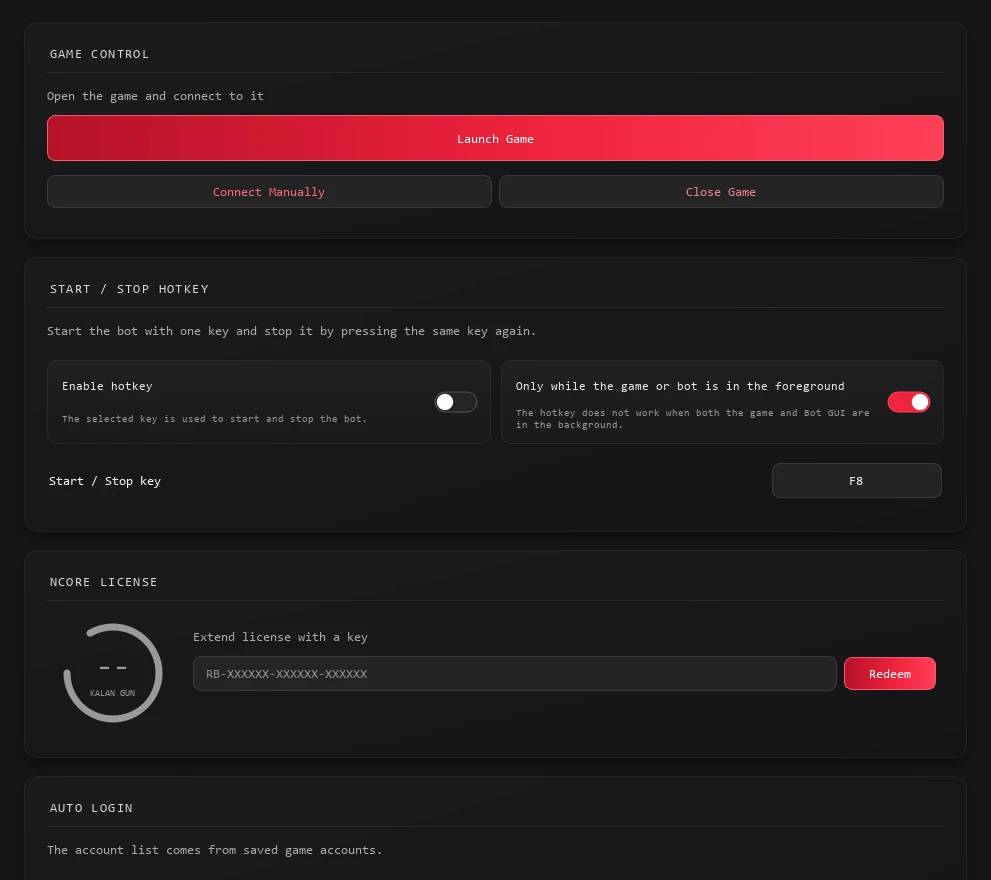
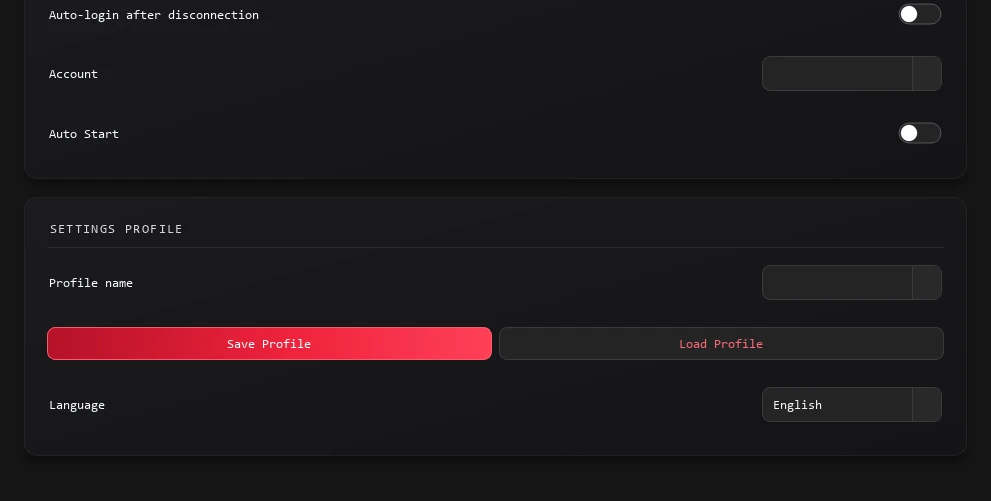
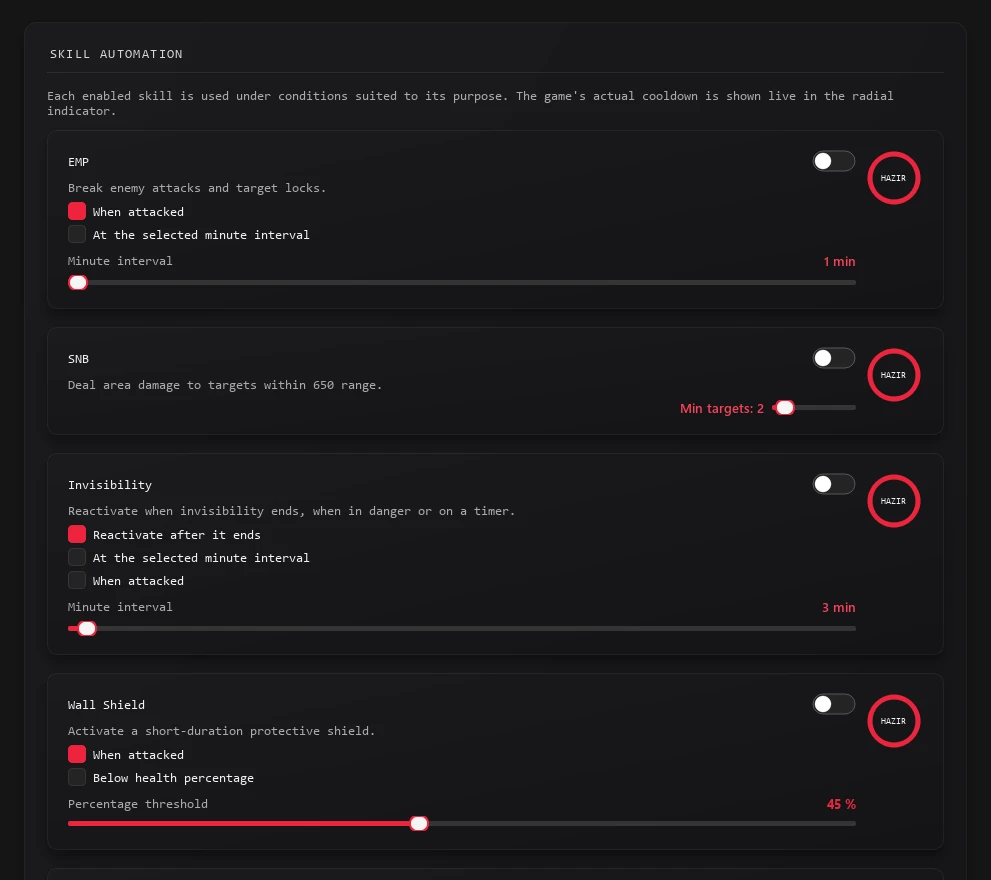
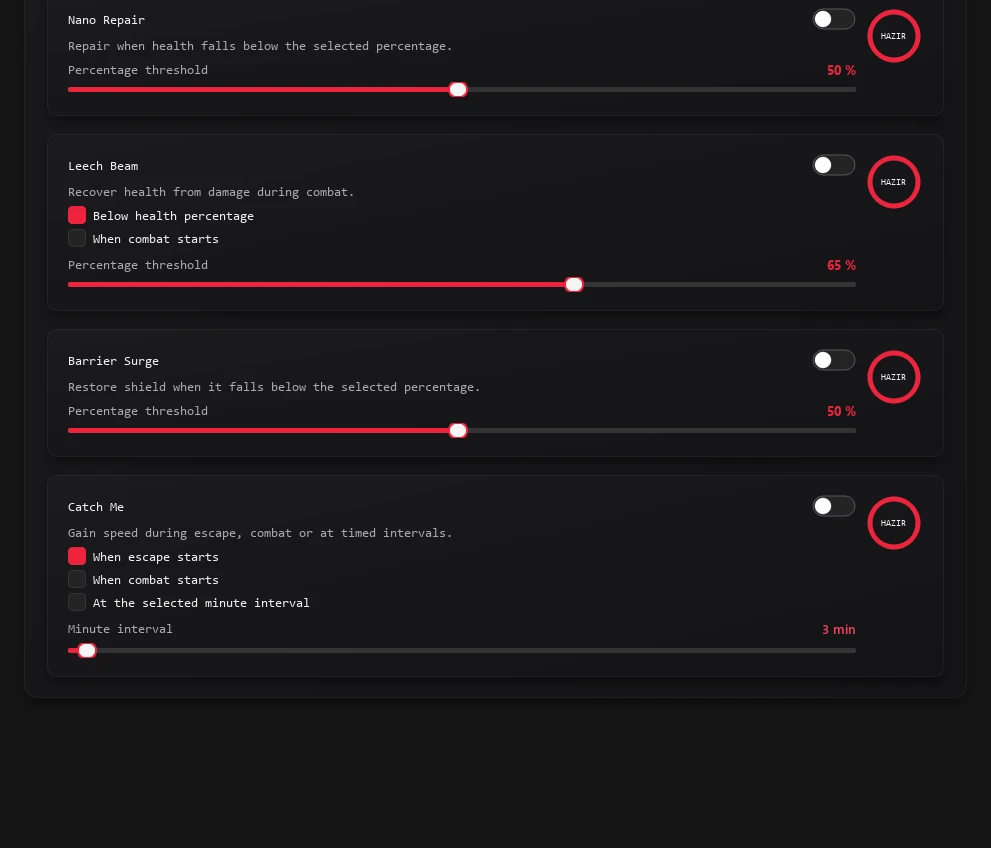
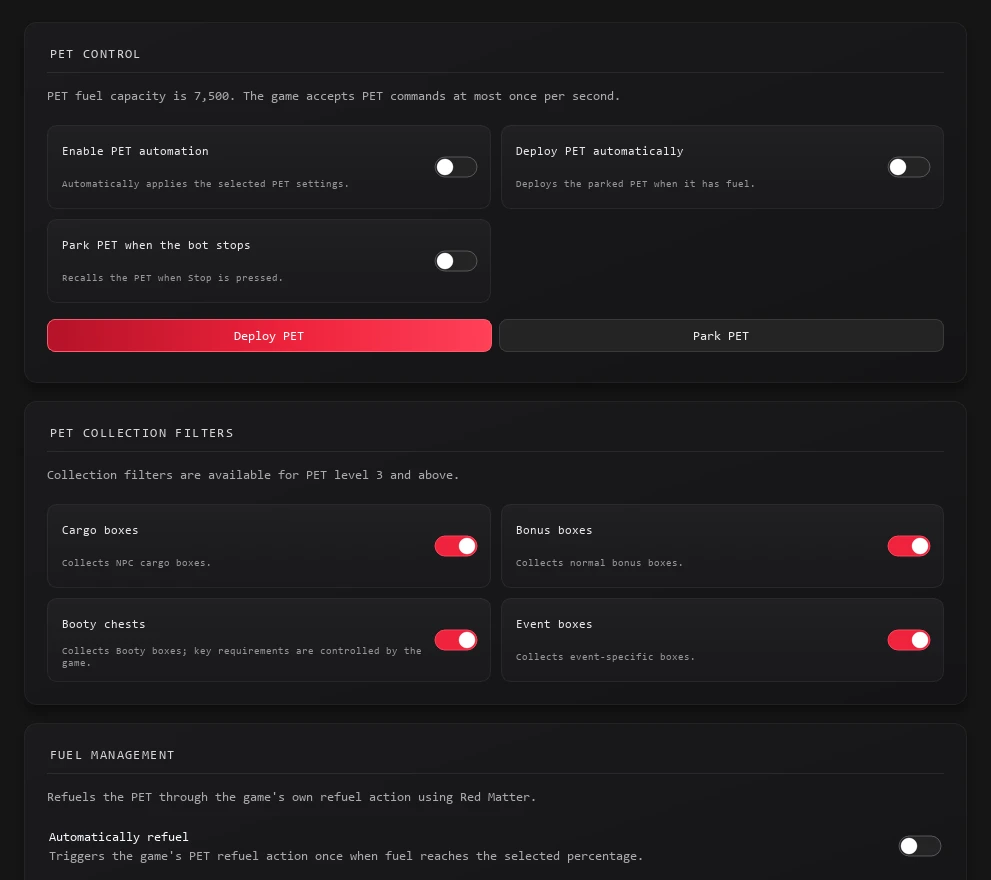
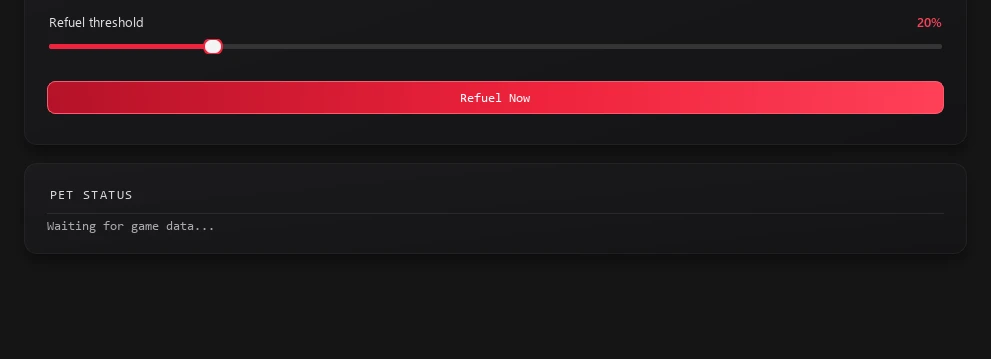
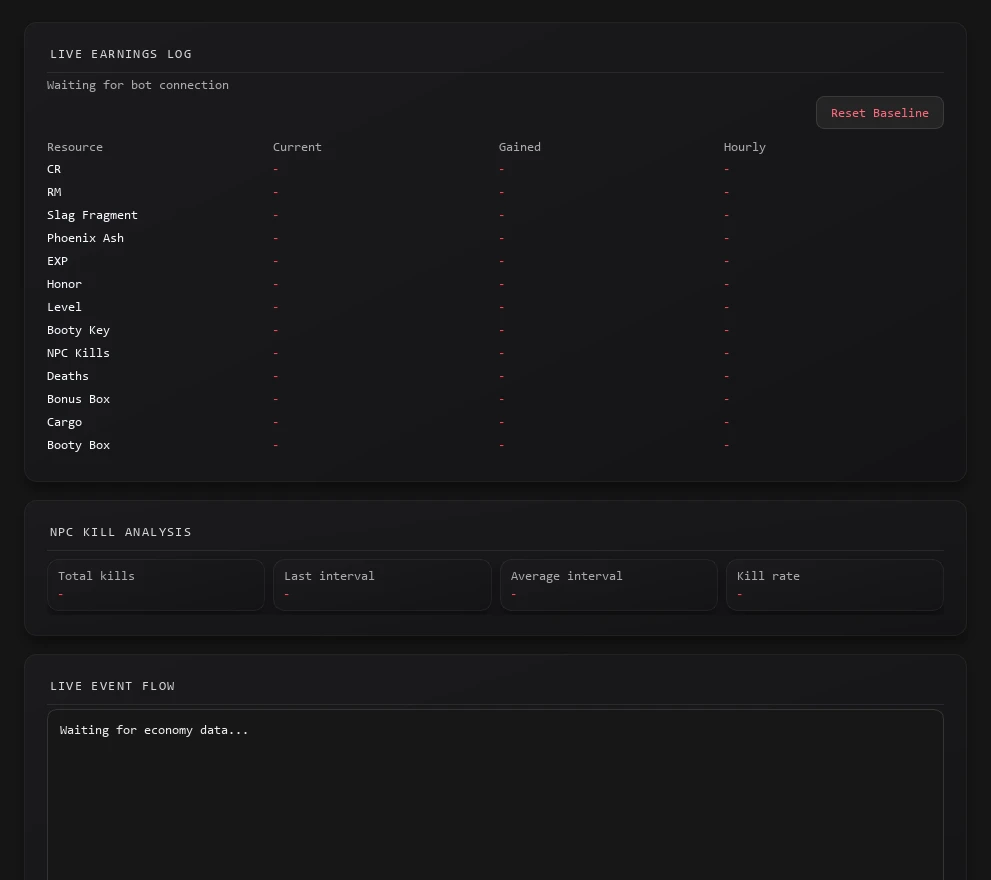
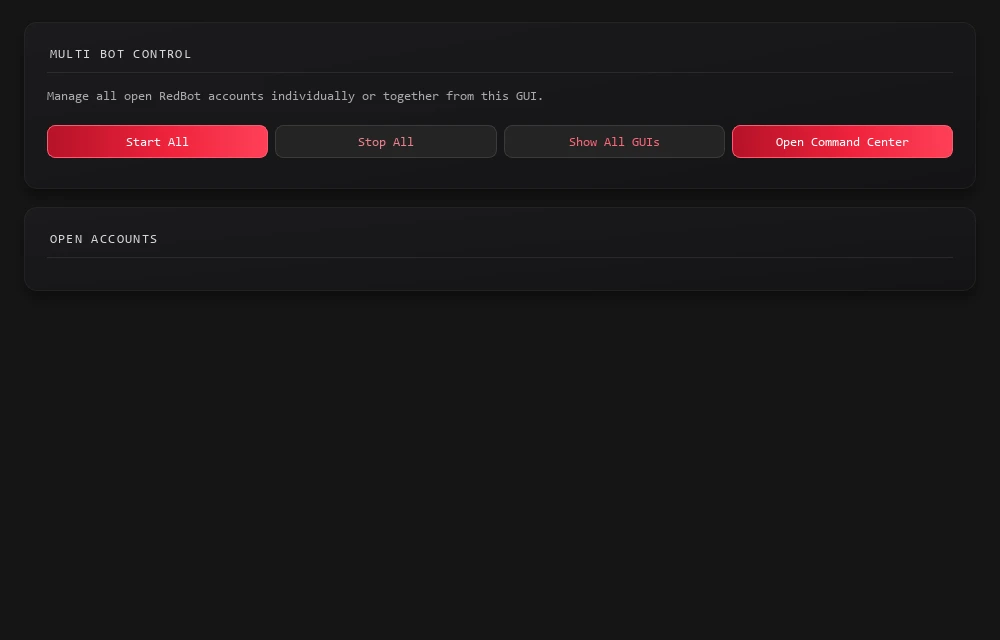
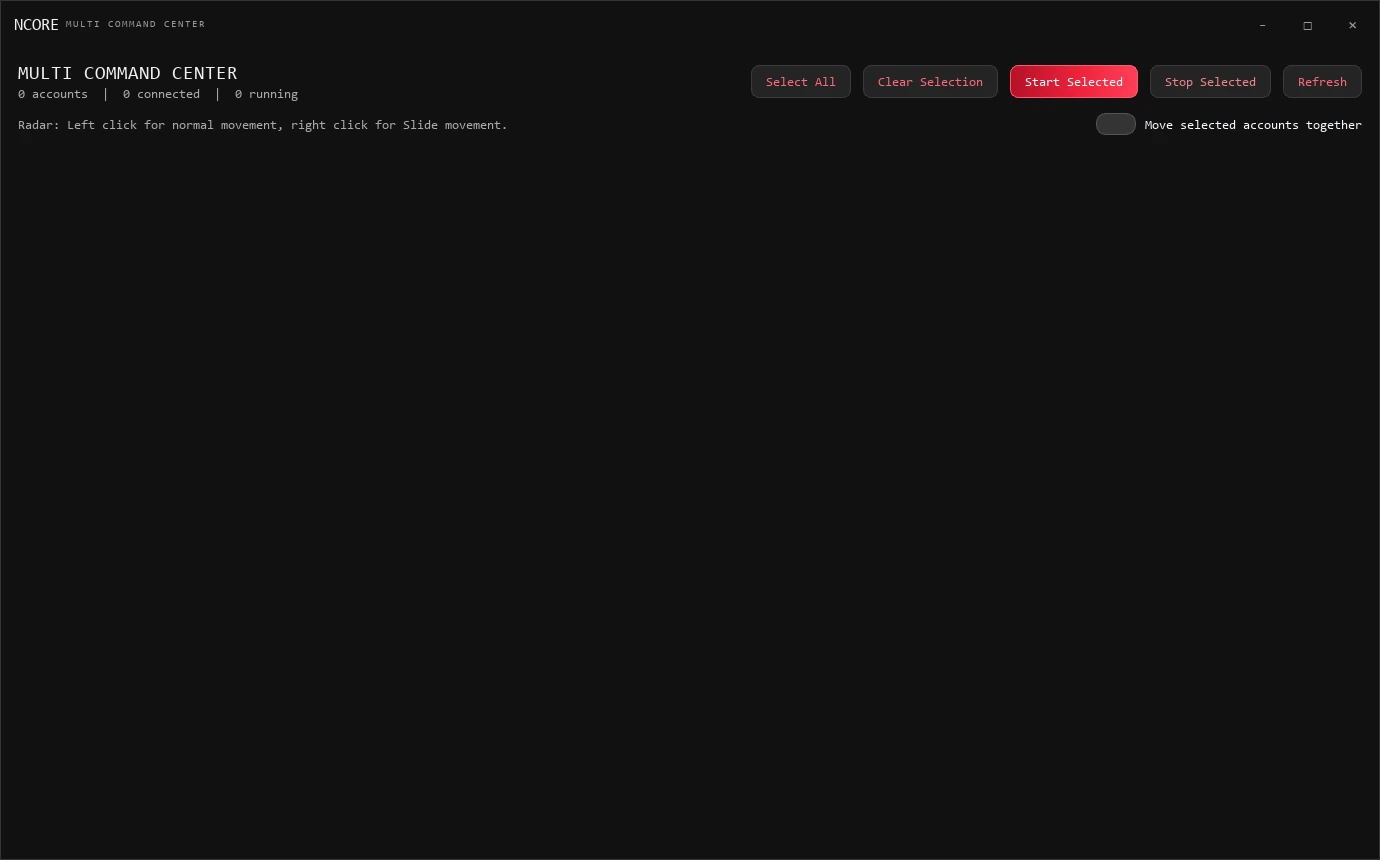
RedBot turns the live in-game state into a readable launcher interface. The control surface stays clean, while deeper settings open only when needed.
NPC filters, single/multi targeting, range settings, combat distance and target lock states are managed from one place.
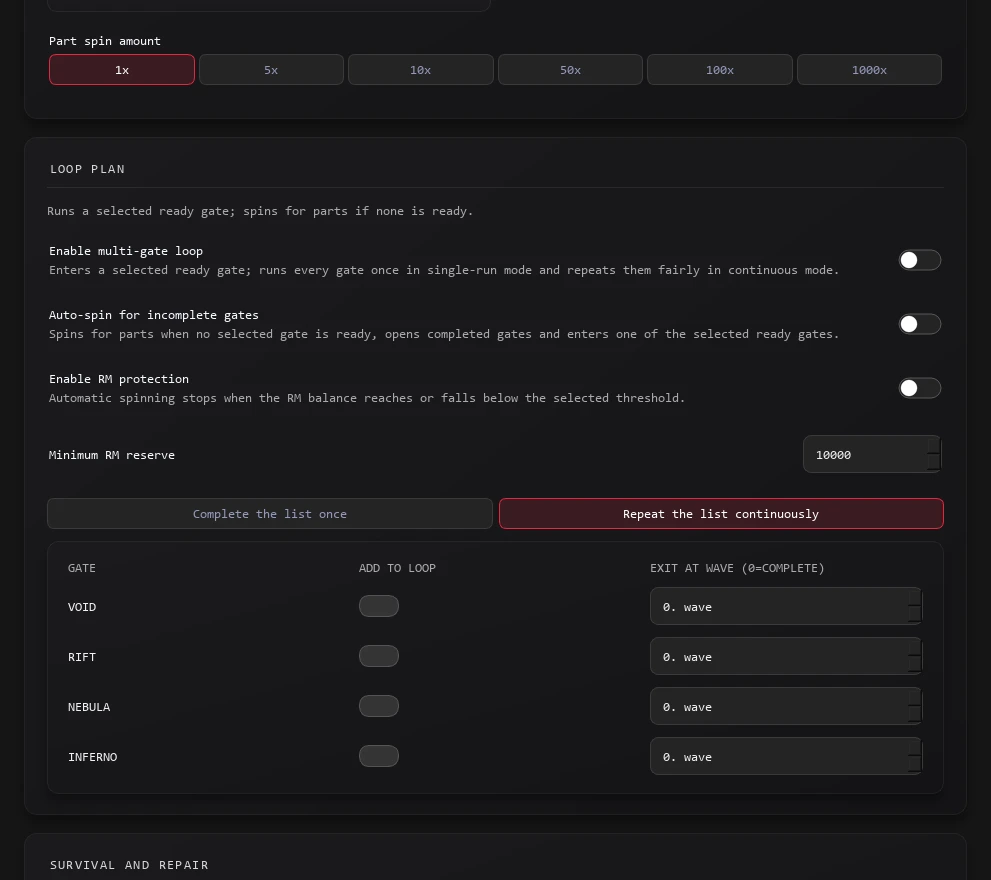
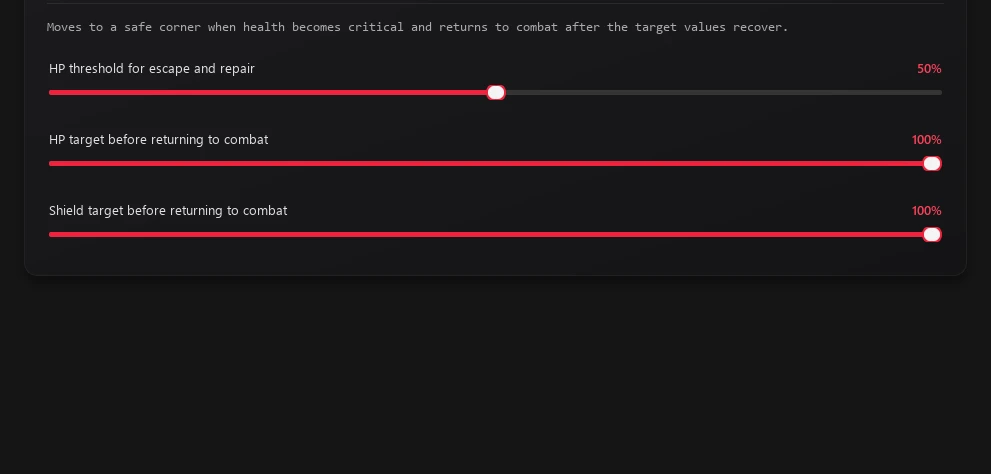
VOID, RIFT, NEBULA and INFERNO options support gate entry, wave tracking, heal corners and loop behavior.
Normal map movement, safe zone selection, portal targeting and live coordinate tracking are supported.
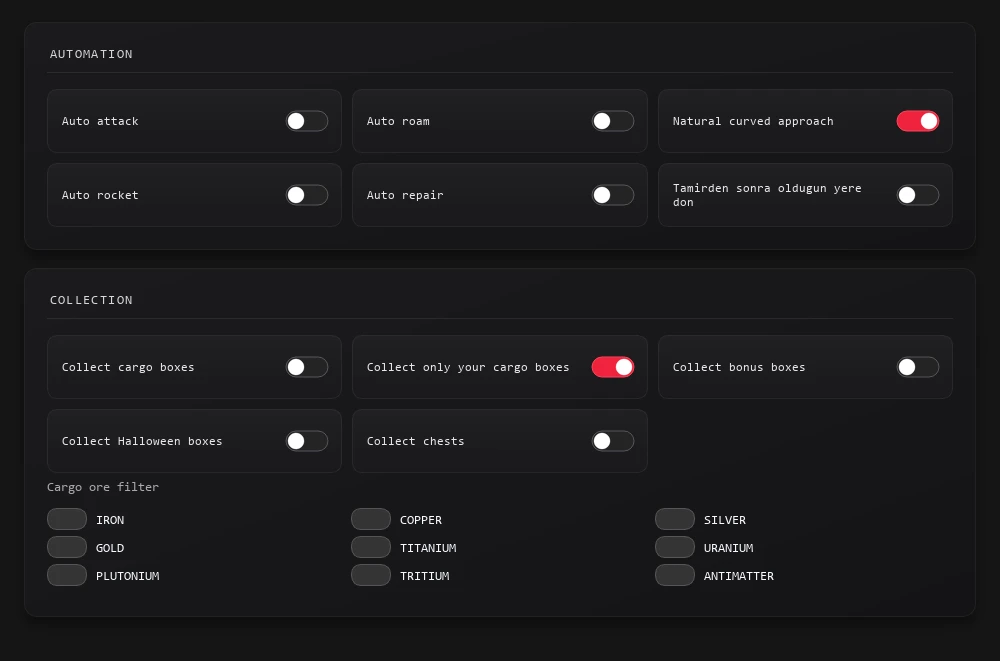
Cargo, bonus box, booty box, ore filters and ownership checks make collection more selective.
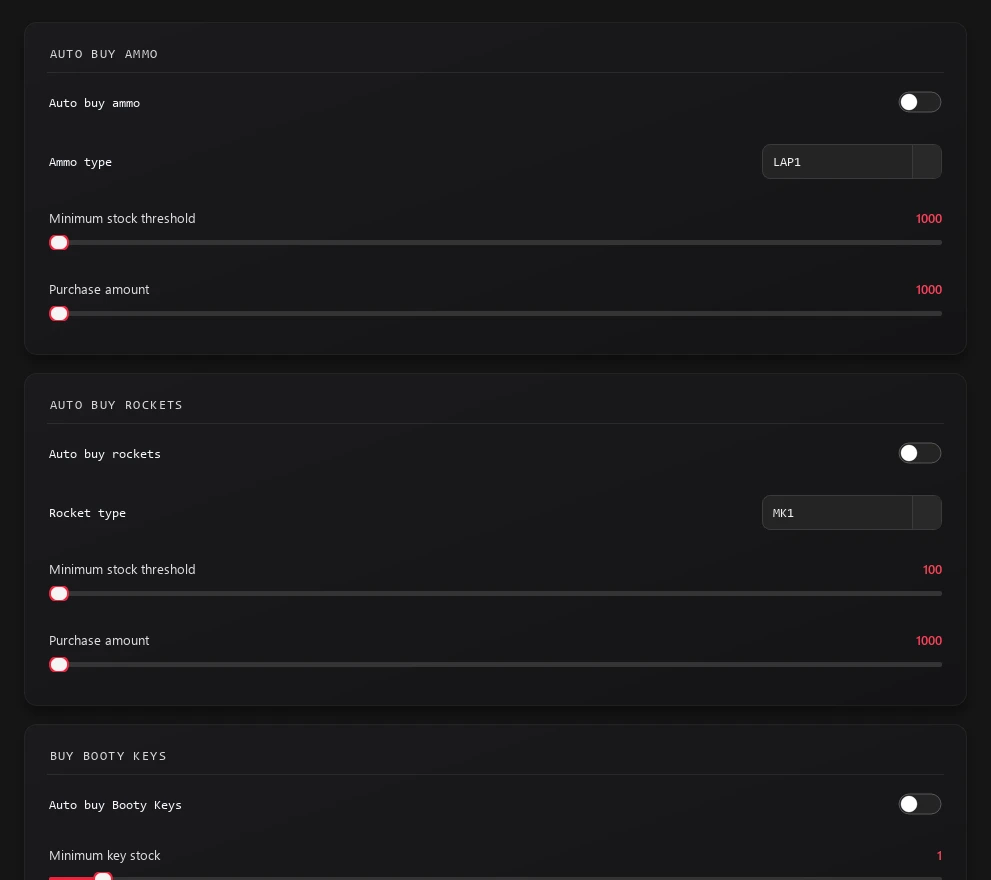
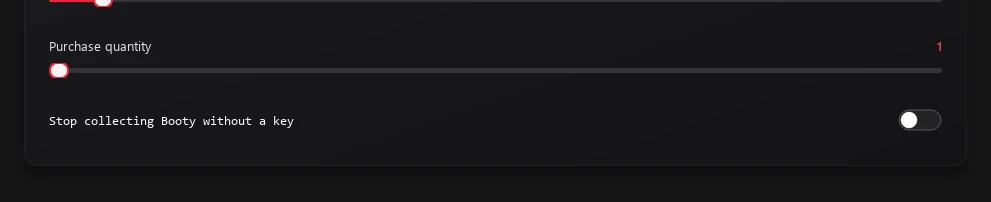
Ammo, rocket, booty key, refine and enrichment settings are sent to automation according to configured limits.
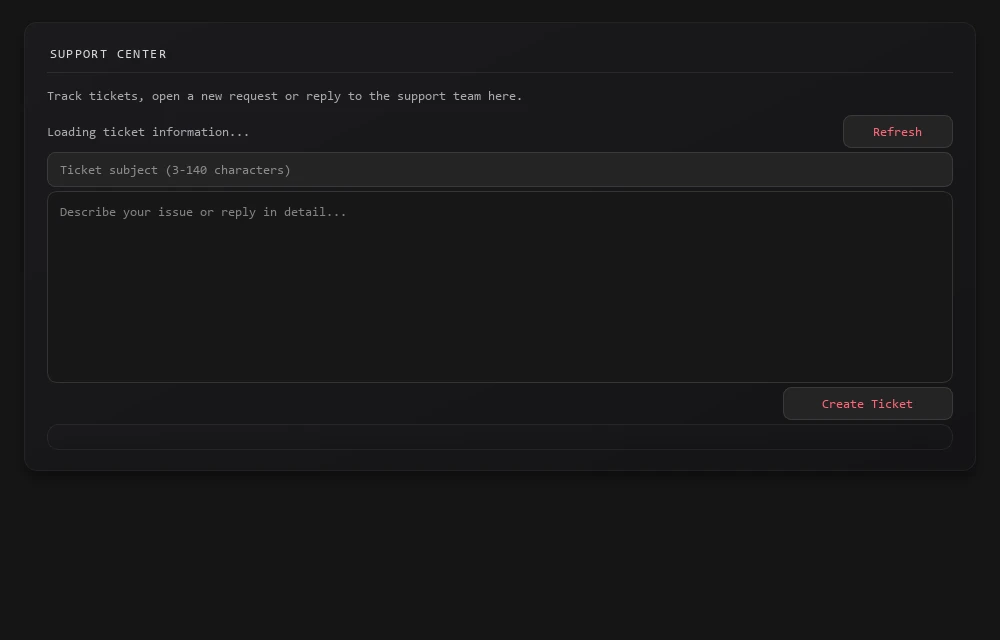
License days, active sessions, key actions, support tickets and session termination are tracked in the user panel.
Choose a tab to explore its features with sample data.

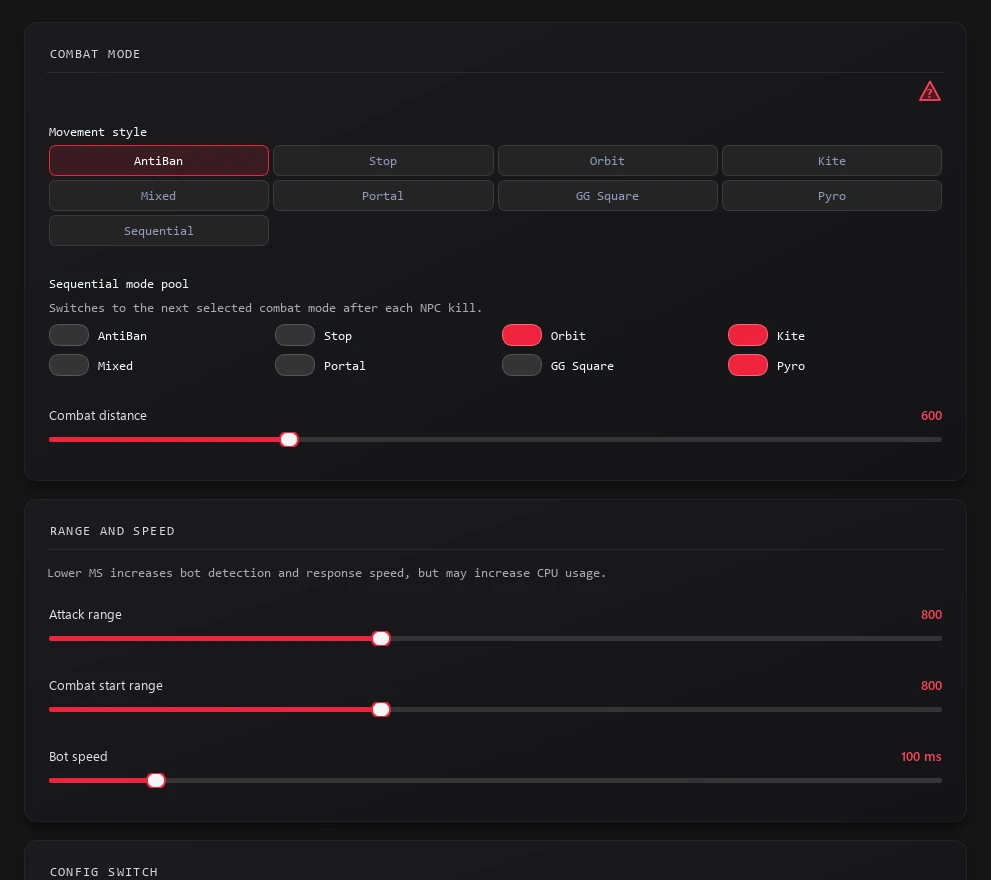
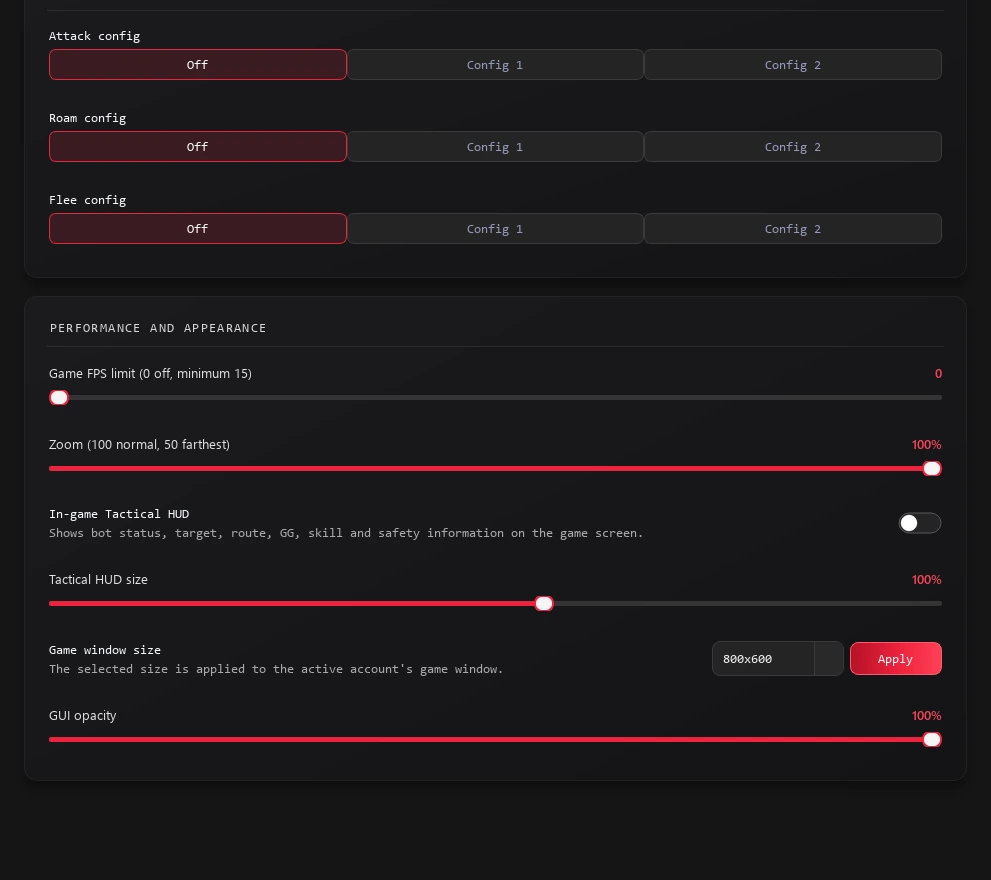

1. AntiBan — Makes small random movements every 20-30 seconds to reduce stationary behavior.
2. Stop — Holds position and attacks after reaching combat range. Moves away if the target gets too close and approaches again if it moves away.
3. Orbit — Continuously circles the NPC while maintaining the selected combat distance.
4. Kite — Retreats when the NPC approaches and advances when it moves away, maintaining distance with straight movements.
5. Mixed — Randomly switches between Orbit, Kite and Stop for more varied movement.
6. Portal Pull — Fights while pulling the NPC toward the nearest portal and moves in a zigzag pattern.
7. GG Square — Follows a square route along safe map edges to keep distance from NPCs. Intended especially for GG battles.
8. Pyro — Retreats in half-moon arcs when the NPC enters range and reverses the arc when it detects a Pyro wall.
9. Sequential — Uses the selected combat modes in order. It advances after each server-confirmed NPC kill and keeps the same mode while the current NPC is alive.
Recommended combat distance: 580-600
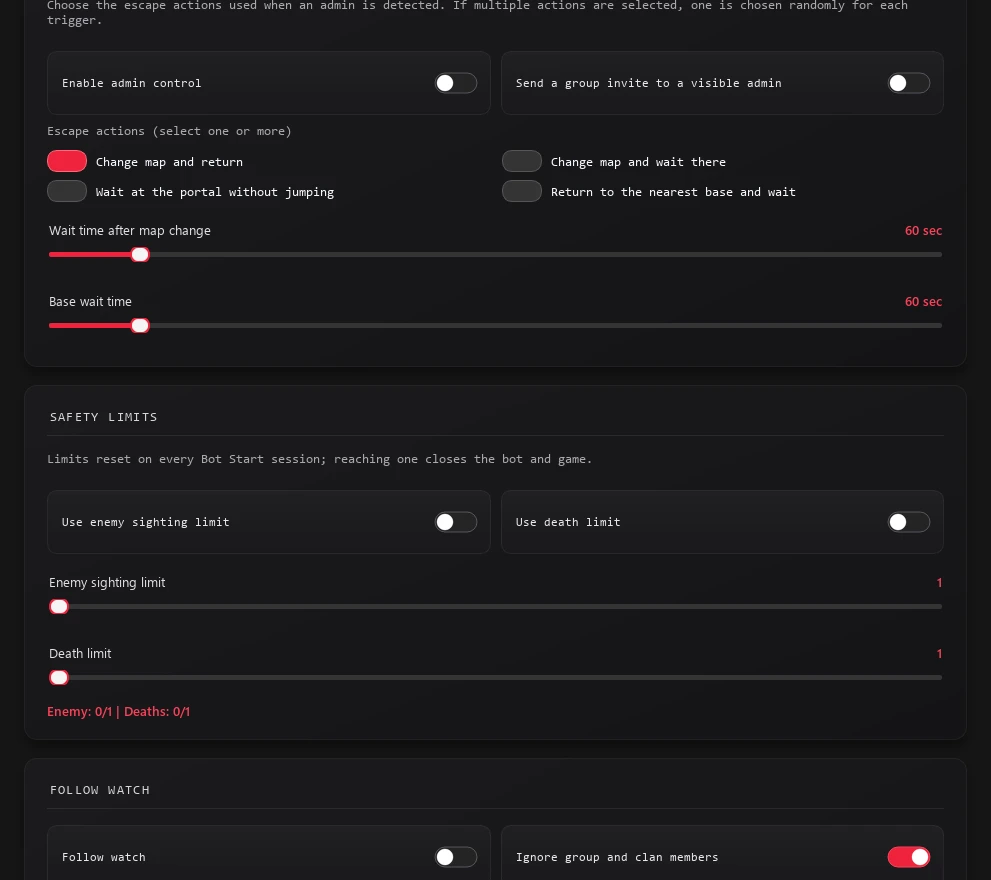
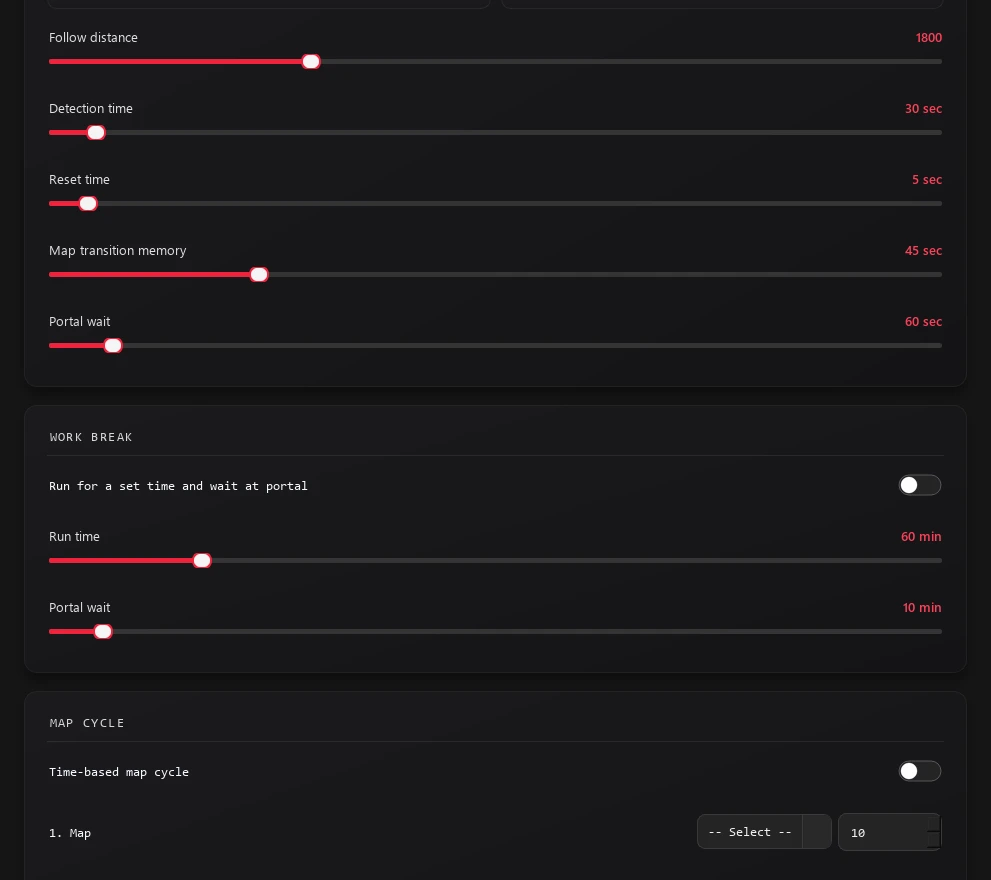
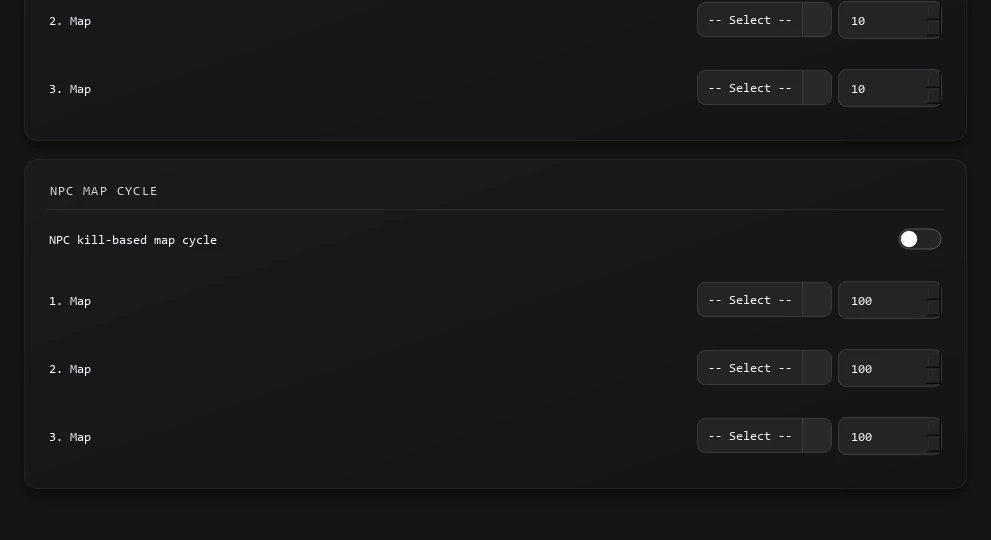
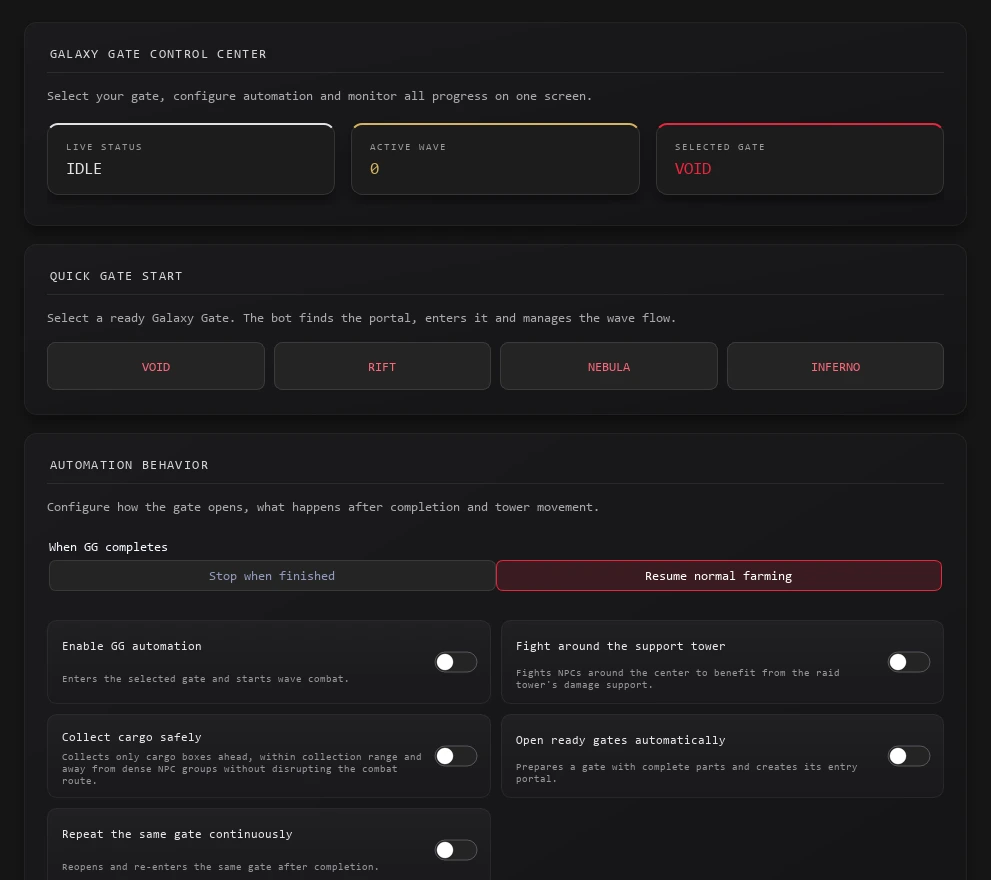
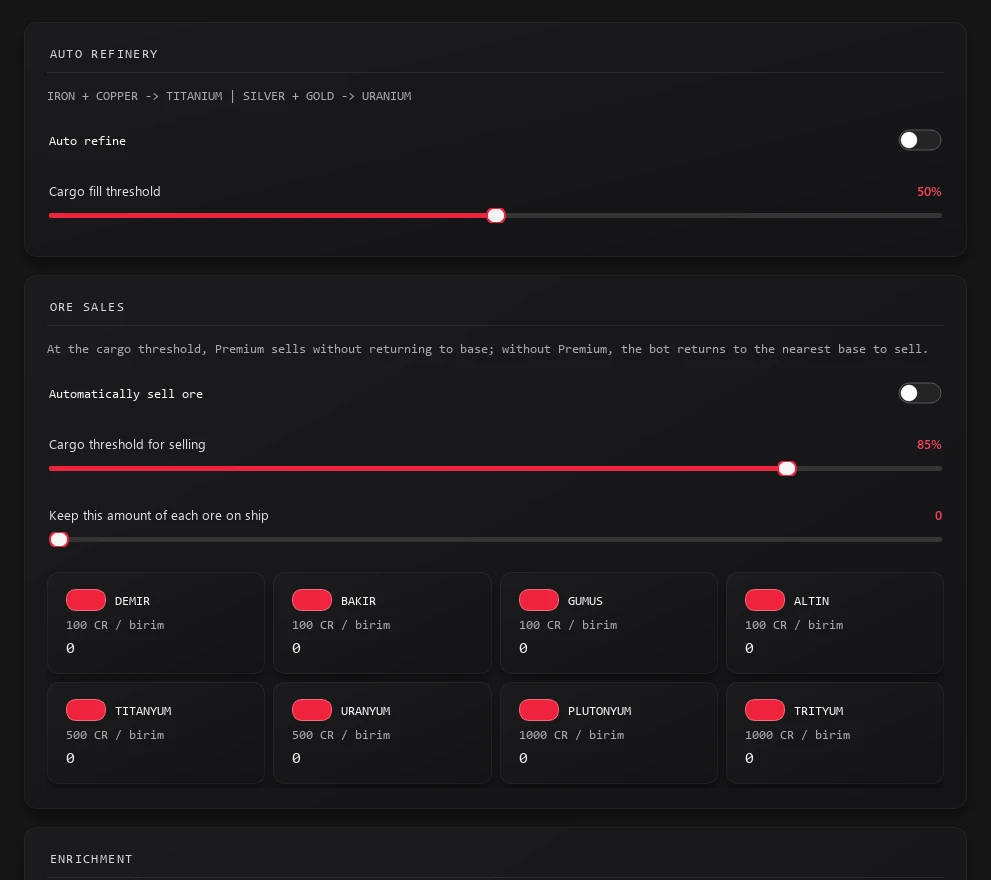
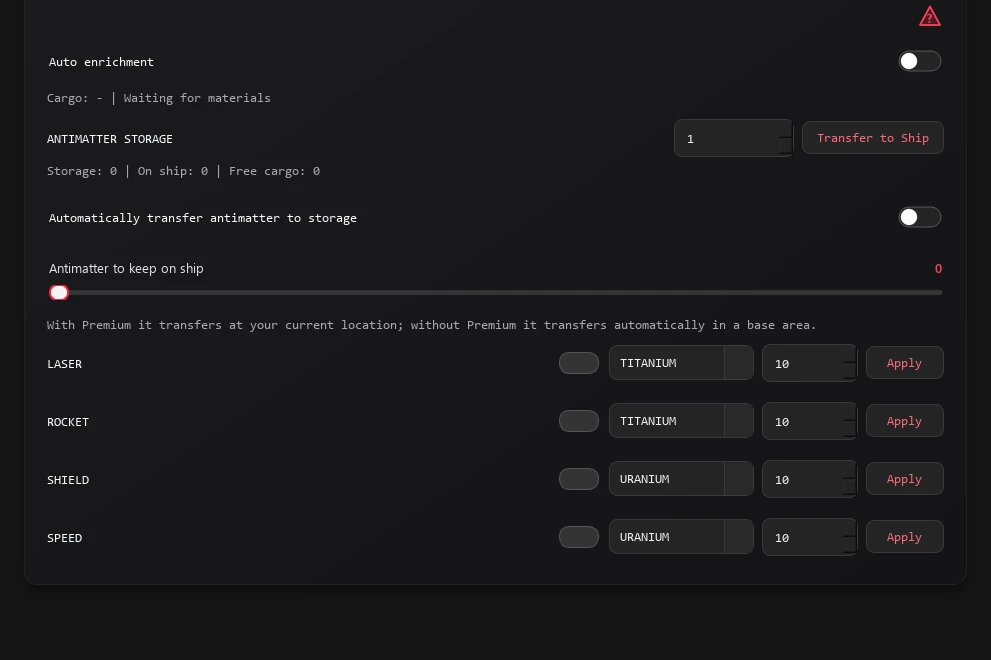
When automatic enrichment is enabled, only the checked rows are processed. If the selected material and quantity are available, the bot applies LASER, ROCKET, SHIELD or SPEED enrichment no more than once every 12 seconds. If several rows use the same material, stock must cover the combined requirement of all active rows. The Apply button submits that row immediately as a one-time action.


Every plan includes access to all RedBot features. Longer plans offer a lower monthly cost.
After purchase, you can activate RedBot with the KEY provided to you.
The user account and license status are verified through the panel or launcher.
The game connection is established, active settings and security signals are sent to runtime.
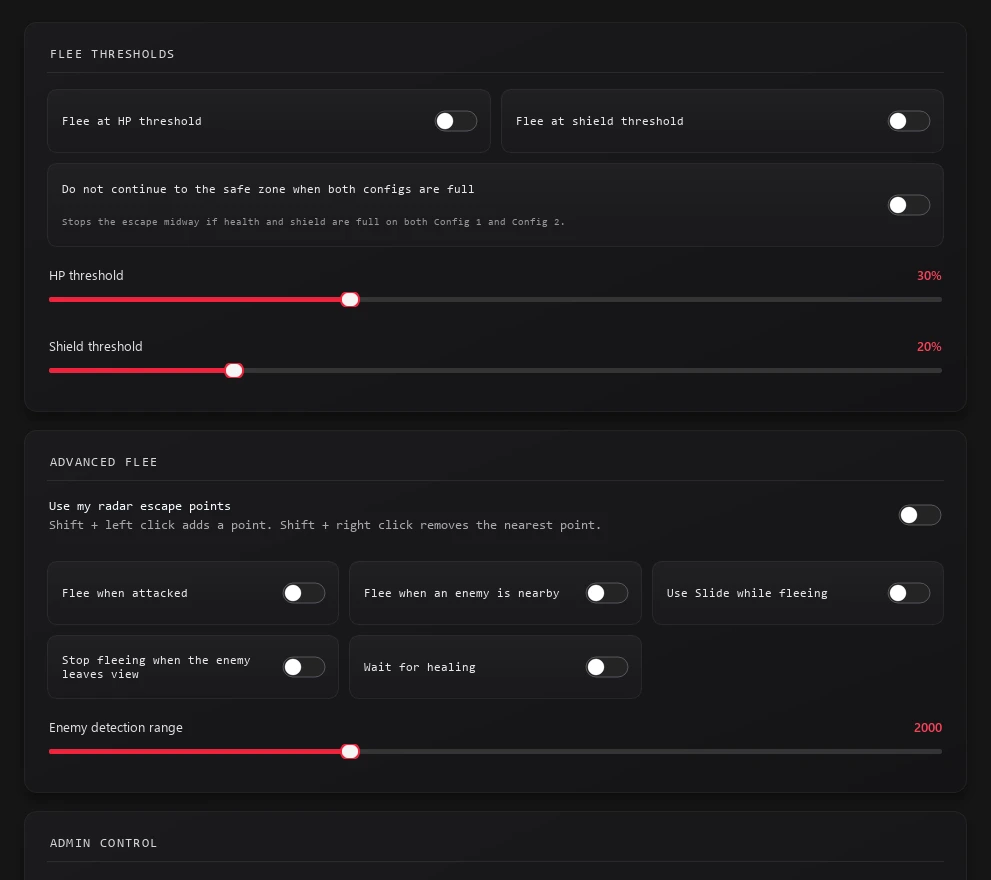
Radar, target, gate, loot, market and escape flows are managed with live status information.
Sessions, remaining time, tickets and account activity are tracked on the web side.
REDBOT makes farming practical and handles everything automatically.